Save a Data App, or one part of it, as PNG or PDF
`anfra serve` downloads a picture of the whole page, or of any block or container, and `Anfra.render()` lets a page offer it itself.
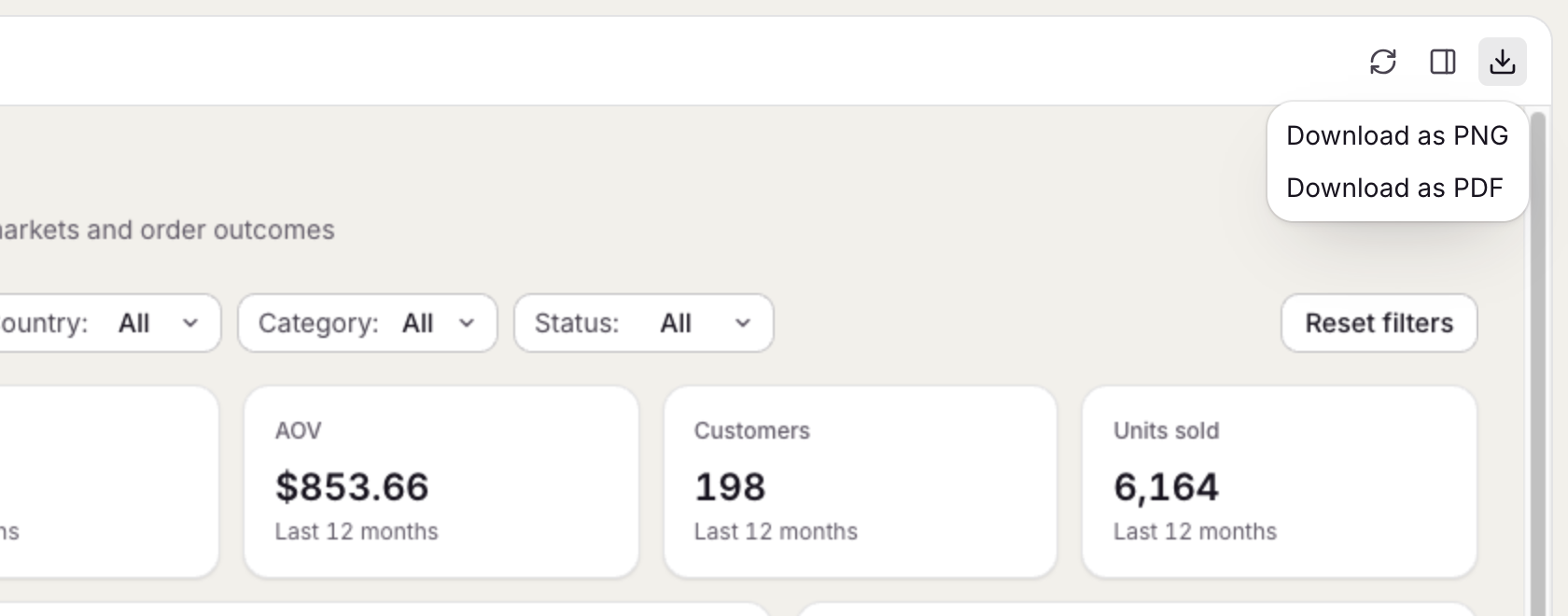
In anfra serve, the Download menu saves the open app as a PNG or PDF, with nothing written in the page. To save only one part, pick a block or container in the Inspect panel's Structure tab and use its PNG or PDF buttons.
A page that needs its own button calls Anfra.render():
await Anfra.render({ block: 'trend', format: 'png' })     // a block, by its data-anfra-block id
await Anfra.render({ container: 'kpis', format: 'pdf' })  // a container
await Anfra.render({ format: 'pdf' })                     // the whole page
The picture shows the page as the reader sees it, charts drawn on a canvas or in SVG included. Mark anything that shouldn't be in it, such as a download button or a spinner, with data-anfra-render="skip".