Invite your team to your organization
Invite members by email with a role, and manage who has access from Settings → Members & roles.
Invite people by email and choose their role. The invitation is emailed to them, and only that address can accept it: they sign in or sign up with any method, as that address, and join.
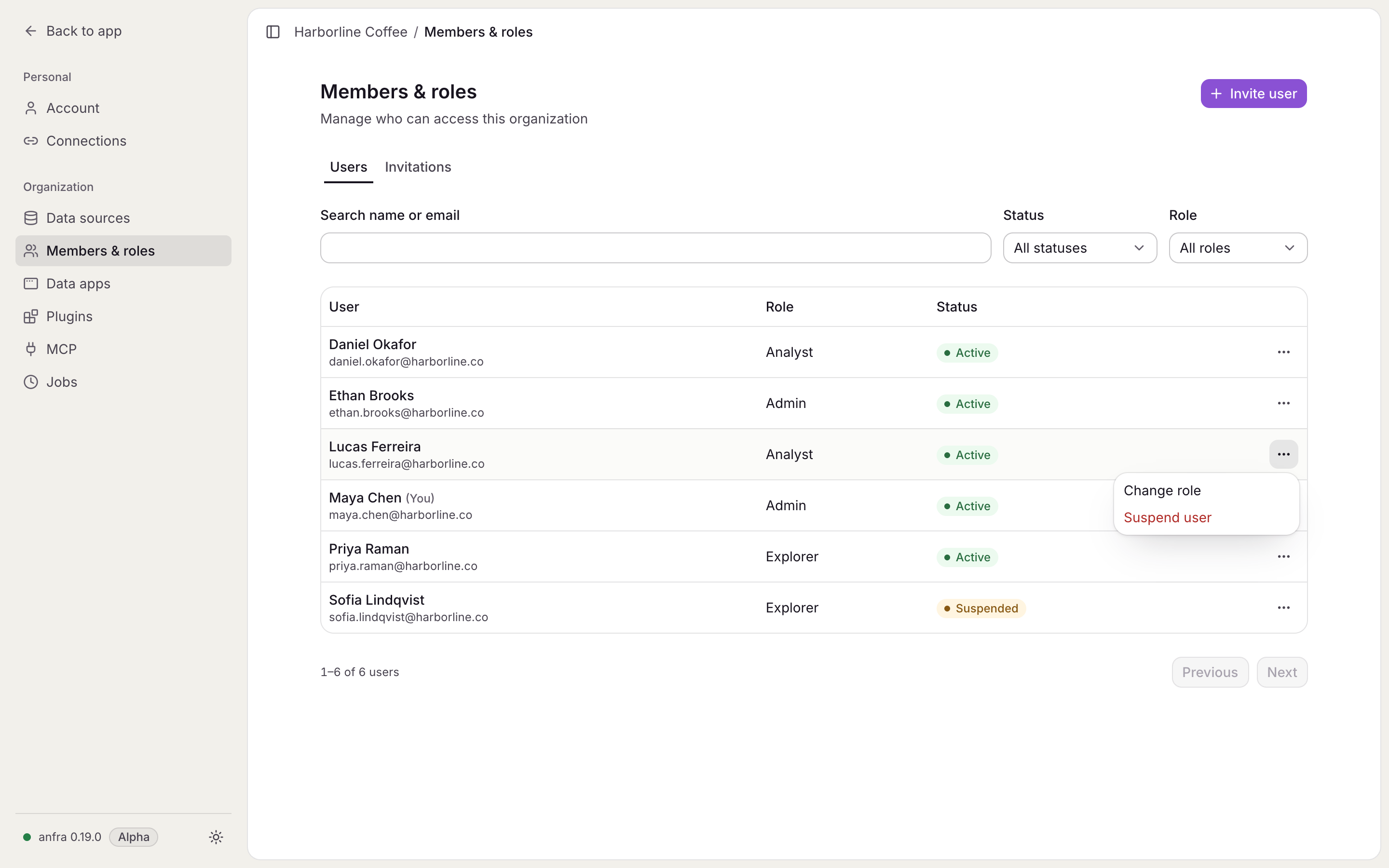
Settings → Members & roles lists members and invitations, with filters by role and status. From there an admin can:
- change a member's role,
- suspend a member, and restore them later,
- resend an invitation, which starts a fresh seven-day link and stops the old one,
- revoke an invitation that hasn't been accepted.
Roles
| Role | Can |
|---|---|
| Explorer | Open the organization's data apps and query its data through the semantic layer |
| Analyst | Everything an Explorer can, plus publish the project |
| Admin | Everything an Analyst can, plus manage data sources, members, settings and jobs, and query data sources in SQL |