Control MCP access for your organization
Admins can turn MCP access off for the organization, or allow new connections only to callback addresses they list.
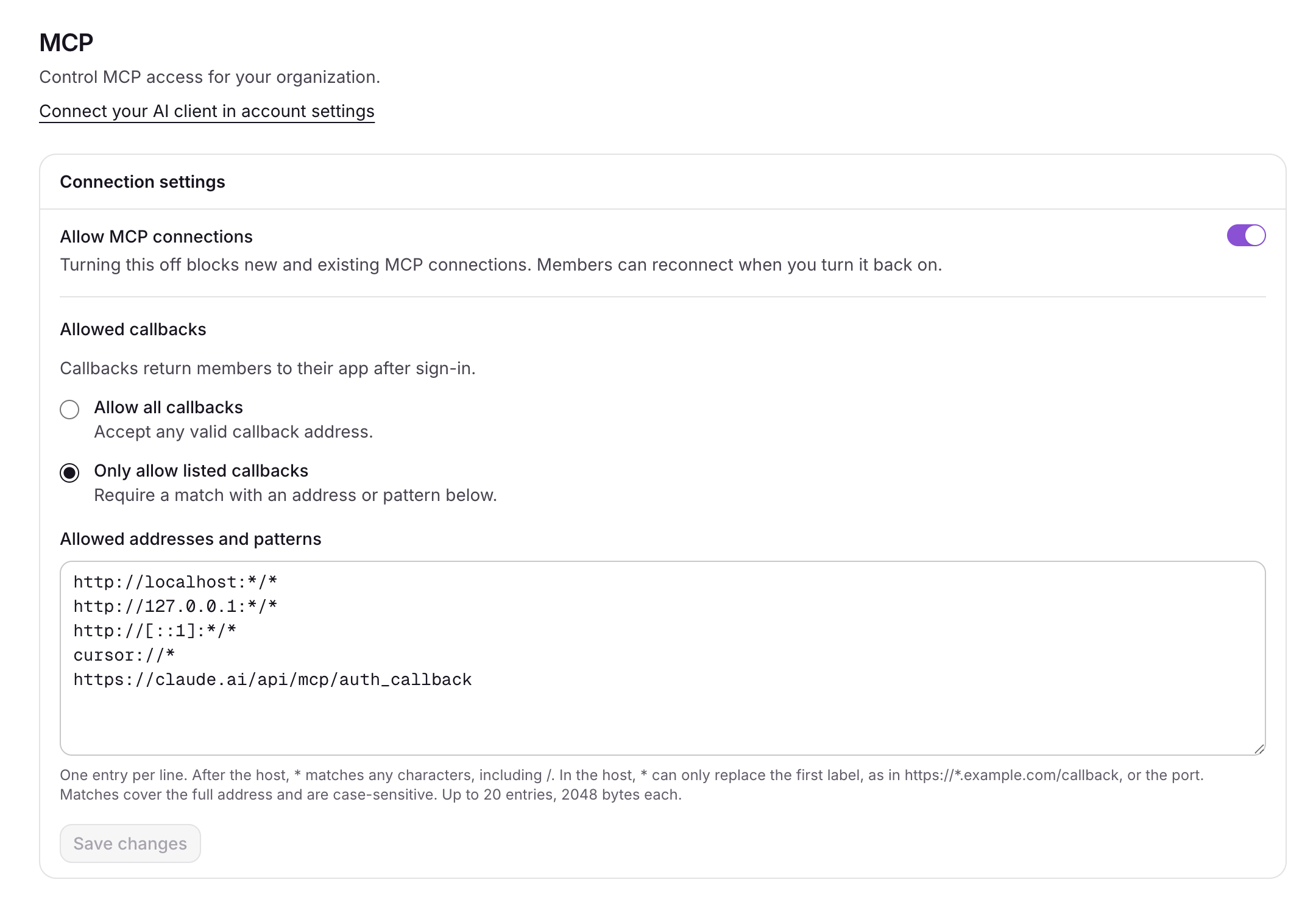
In Settings → MCP, an admin decides how AI clients may connect to the organization.
- MCP access. Turn it off and no one can connect a new MCP client, and connected ones stop working. The CLI keeps working. Turn it back on and members can reconnect.
- Callback addresses. By default any client may connect. Switch to Only allow listed callbacks and new connections, the CLI's included, are approved only for the callback addresses you list.
*matches anything. The list starts with local addresses, such ashttp://localhost:*/*, andcursor://*.
The allowlist applies to new approvals. Tools already connected stay connected; revoke them from Settings → Connections.