Connect Claude and other MCP clients to anfra Cloud
Add anfra Cloud's MCP server URL to an AI client, authorize it for one organization, and it can search and query your semantic layer as you.
Copy your MCP server URL from Settings → Connections and add it to an MCP client such as Claude or Cursor:
https://us.anfra.ai/mcp
The client opens anfra Cloud in your browser. Sign in, choose the organization to connect, and authorize. The client then searches, inspects and queries that organization's semantic layer as you, under your role: it sees no more than you can.
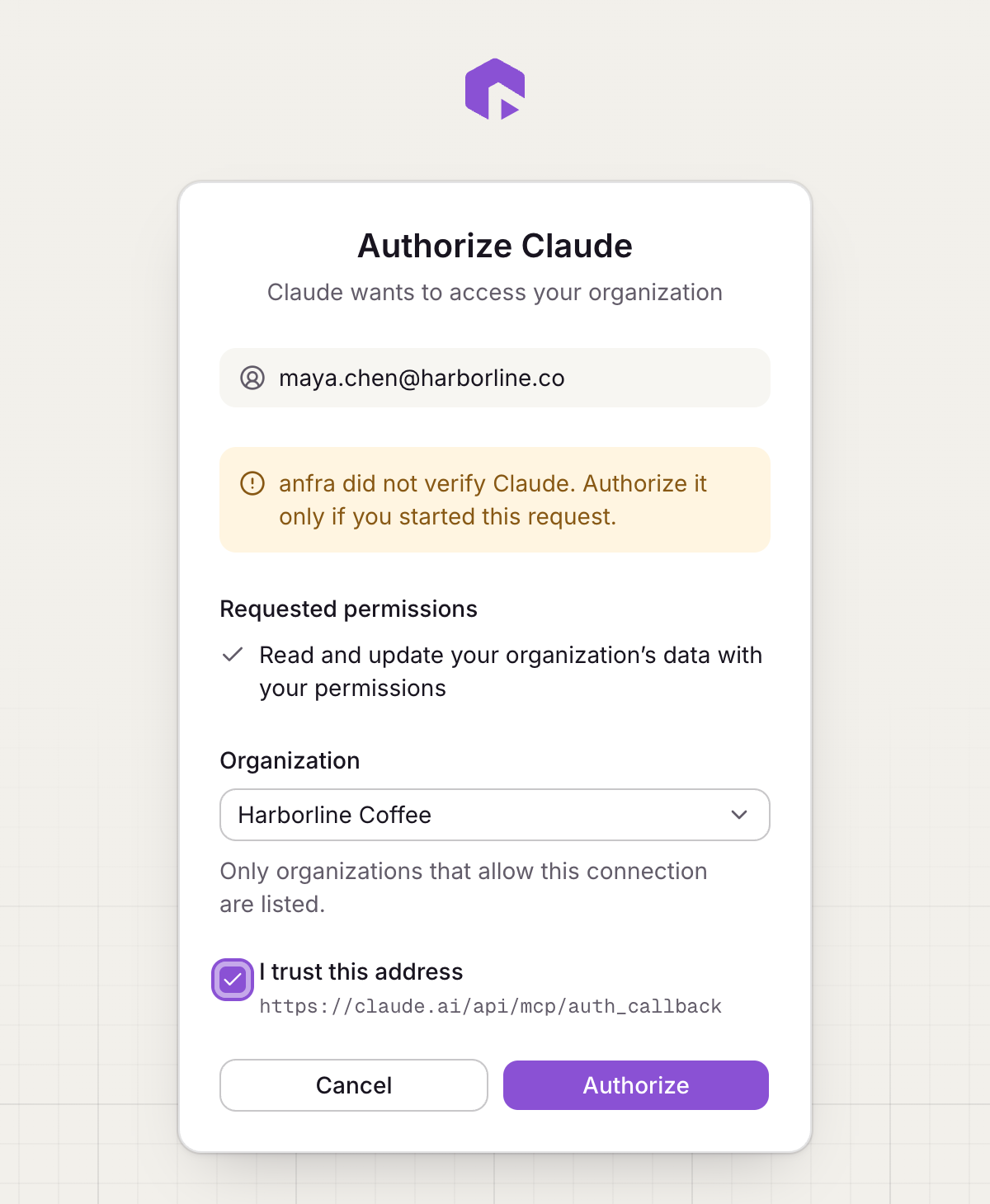
Each approval is for one organization. To connect another, add the server again. The client shows in Settings → Connections, where you can revoke its access.