Jump anywhere with the command palette
Press ⌘K, or Ctrl+K, on any page of an organization to open a data app or run a command.
The command palette lists every data app in the organization, and the view commands, such as toggling the sidebar. On a data app's page, the app's own commands come first, such as Inspect or a download.
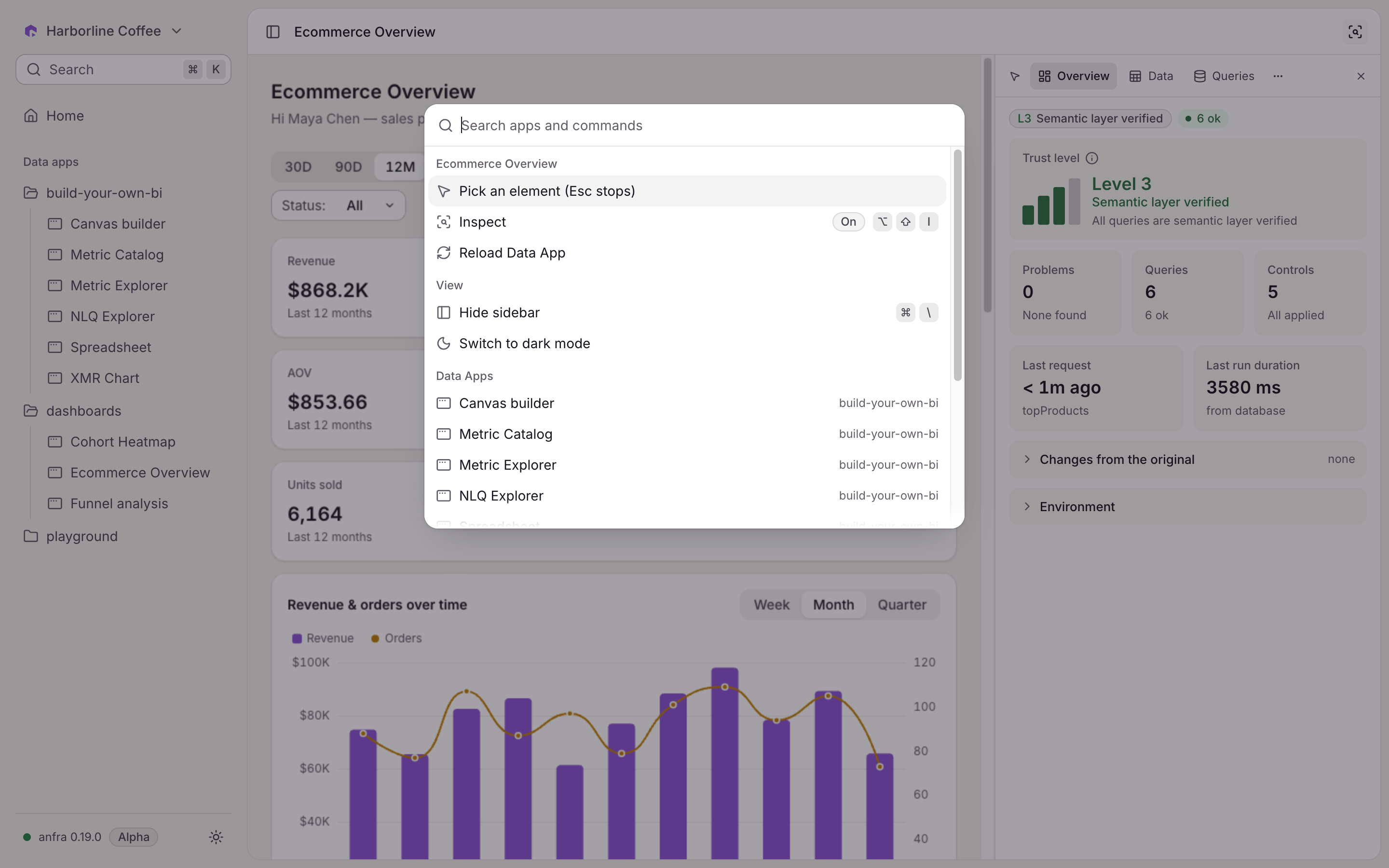
Open it with ⌘K on a Mac or Ctrl+K elsewhere, or with the search at the top of the sidebar.