A command palette, and a menu on a Data App's content
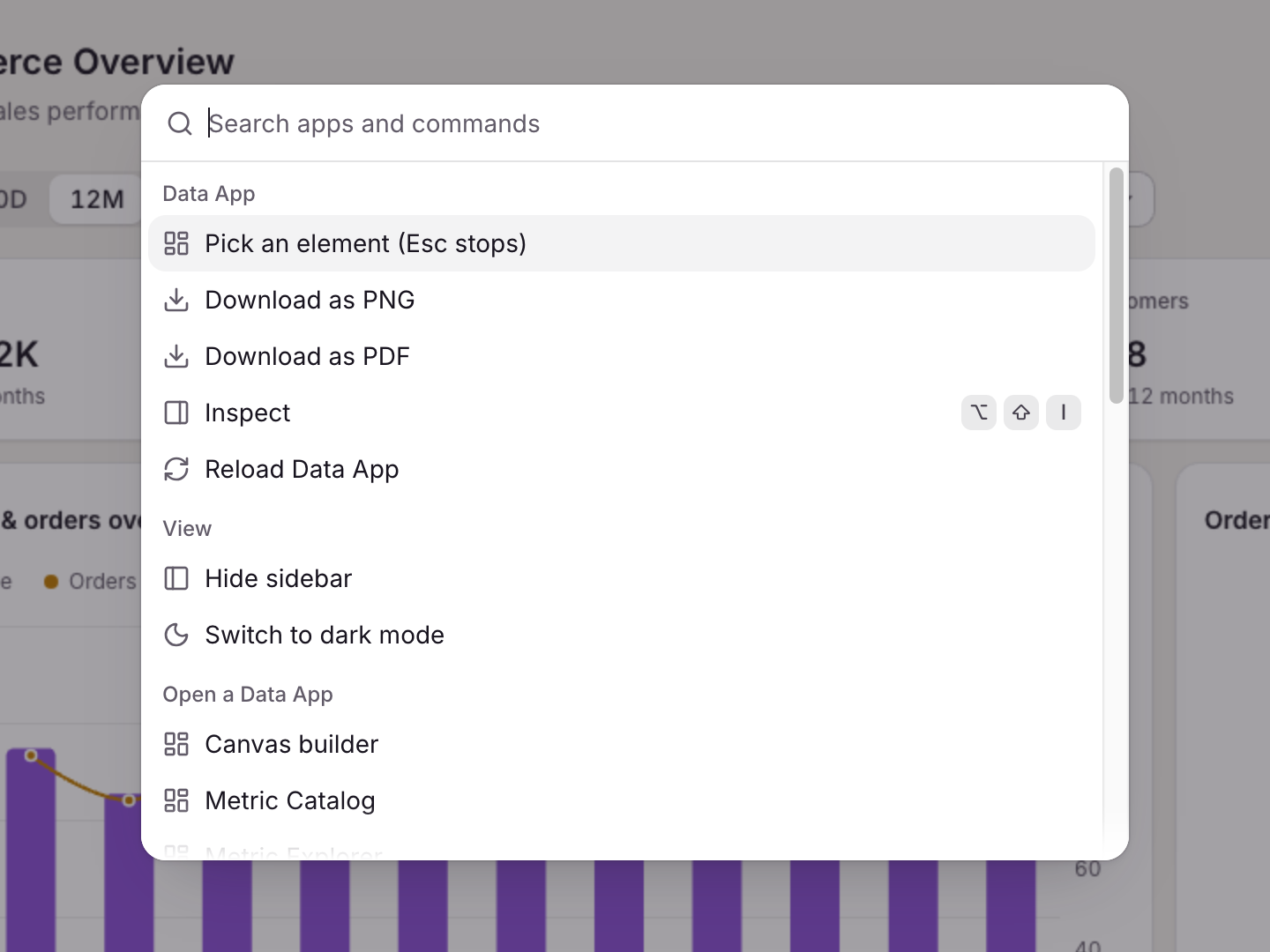
Press ⌘K or Ctrl+K in `anfra serve` to run any command, and right-click a block or a chart's point for the actions on it.
The palette lists the commands of anfra serve and of the open app's plugins, such as Reload, Inspect, and Download as PNG or PDF. A command's shortcut works inside the app's frame too.
Right-click a marked block (data-anfra-block) to open its menu, with no code. For a chart's points, report the right-click with the rows under the pointer:
chart.on('contextmenu', (p) => {
  byRegion.menu(p.event.event, byRegion.result.rows[p.dataIndex], { measure: p.seriesId })
})
When nothing is offered, the browser's own menu shows, and Shift+right-click always gives it. Put data-anfra-menu="off" on a block that uses right-click itself.