See and stop your organization's queries
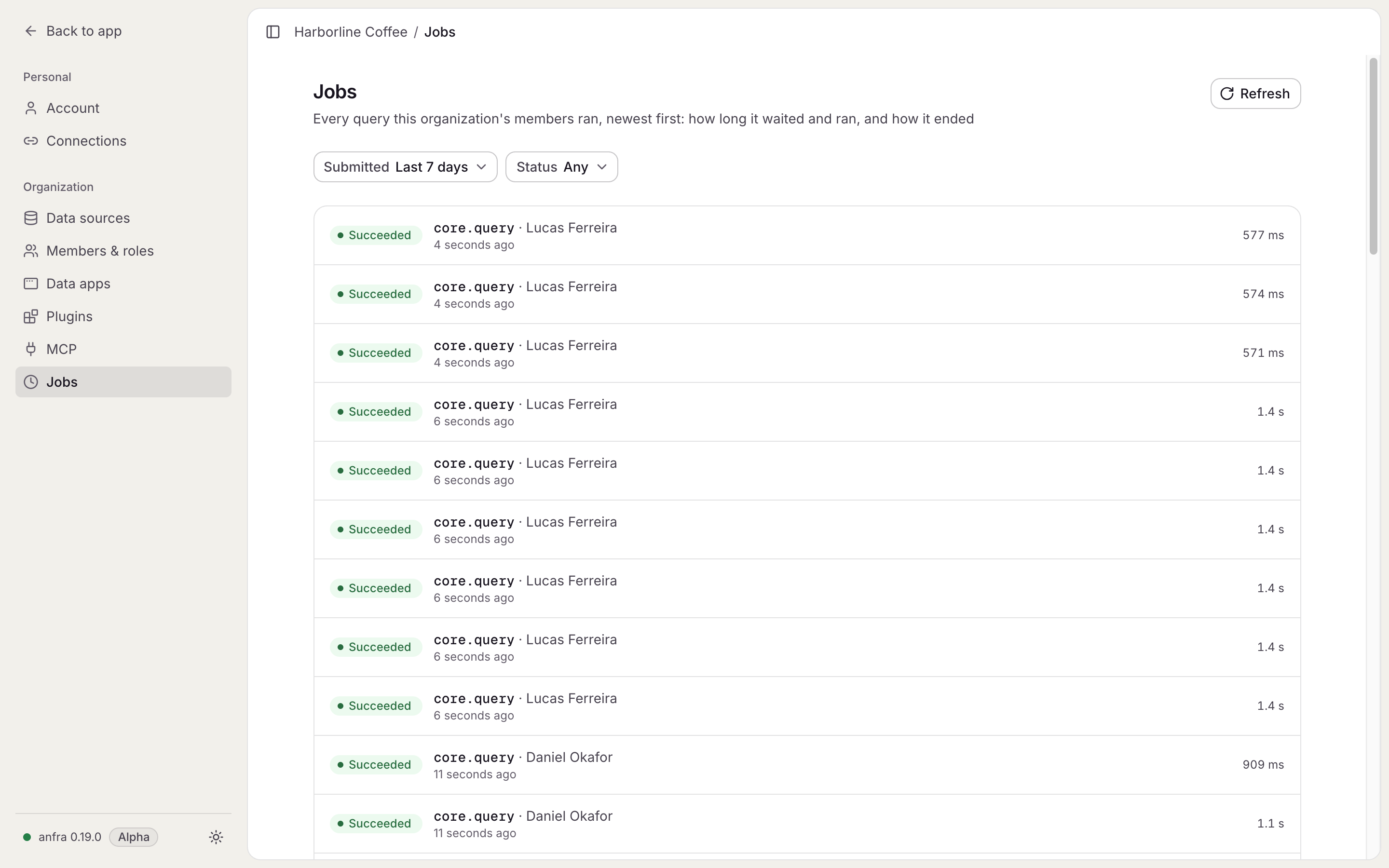
The Jobs page shows admins every query running or run in the organization, who started it, and lets them stop one.
Admins find Jobs in Settings. Each job shows its kind, who started it, its timeline and the queries it ran. Filter by when a job was submitted or by its status to find one.
A job that runs too long can be stopped from its page.