Work in a session with anfra console
`anfra console` opens a session at your terminal, as psql does: commands without the `anfra`, AQL typed directly, colored output and a warm server.
$ anfra console
> validate
> \-d sales
> c query
query> explore { dimensions { status: orders.status } measures { orders: count(orders.id) } };;
Each line runs a command, typed as after anfra. console query (or c query) switches to typing AQL, each query ending with ;;, and \c goes back. A line of flags, such as \-d sales, sets them for every command in the session.
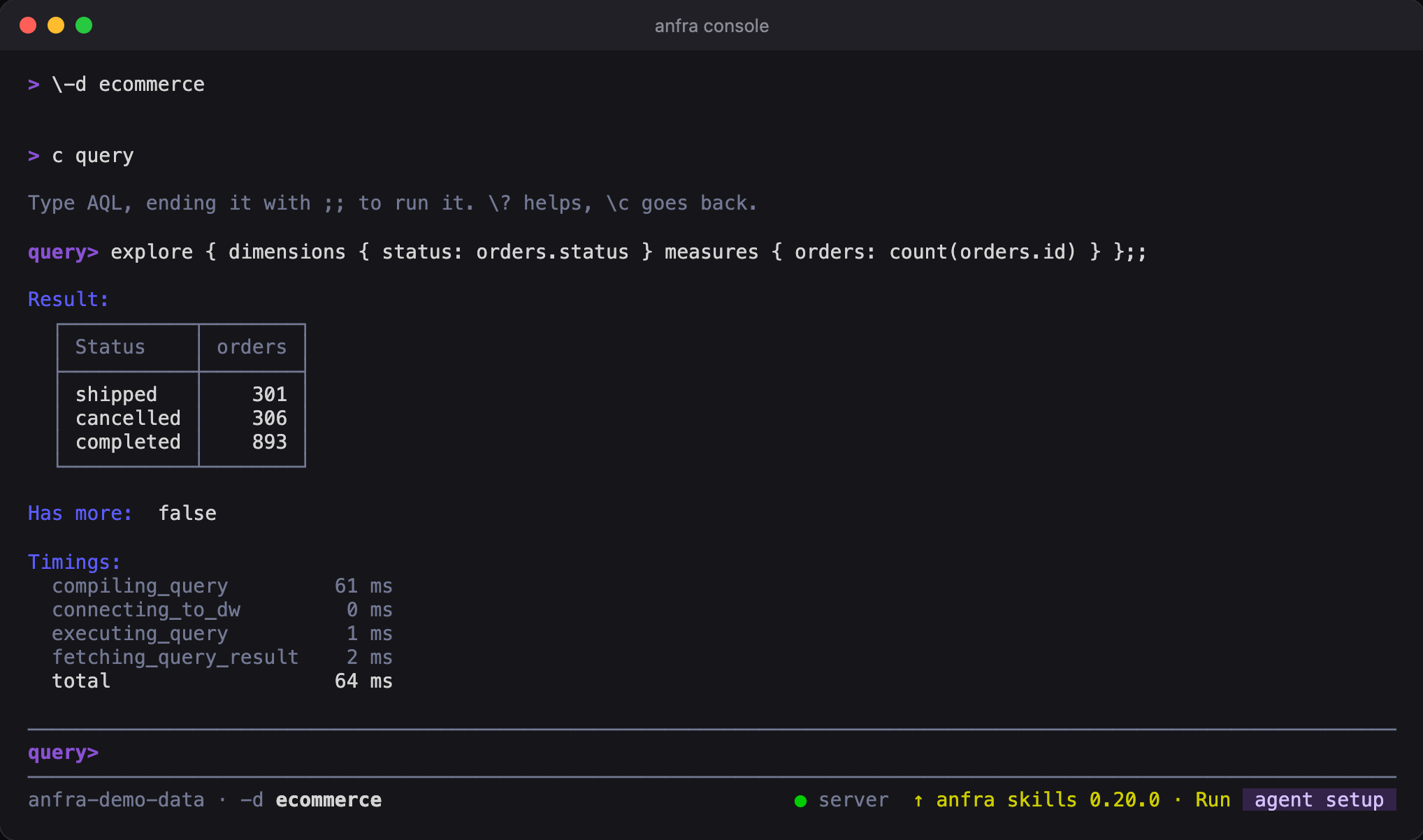
Output is in the format for people, colored, with query results as a grid. History is kept between sessions, so Up reaches yesterday's entries. The console uses the repo's running anfra serve, or starts one for the session, so each query answers fast.
\? shows where you are and what you can type, and \q, exit or Ctrl-D leaves. It needs a terminal, so an agent never starts one by accident.